Discover how to recover your photos with the best apps available on the market.
Advertisement
Retrieve your photos and relive your memories today!
Have you ever lost important photos on your phone and didn't know how to recover them?
EaseUS MobiSaver is the solution you need to restore your data.
With a simple and intuitive interface, EaseUS MobiSaver recovers photos, videos, contacts, and much more in minutes.

Before deciding how to recover your data, learn about the main benefits of EaseUS MobiSaver that will ensure you recover your memories simply and safely:
Você permanecerá no mesmo site
Losing Precious Memories: Pedro's Anguish
Pedro was on a dream trip, capturing unforgettable moments with his camera. But, in a slip-up, his photos disappeared, and he was devastated.
He tried to recover the files in every way possible, but he couldn't. Each attempt only increased his frustration. He didn't know how to restore his memories.
Not knowing what to do, Pedro was lost. He knew the photos represented something unique and important, and he had lost them unintentionally.
As time passed, he felt powerless, as if he had lost a part of himself. His memories were erased, and he couldn't change that on his own.
The Light at the End of the Tunnel: The Discovery of the EaseUS MobiSaver App
While searching for solutions, Pedro came across the EaseUS MobiSaver app. He wasn't sure if it would work, but he decided to give it a try.
The proposal seemed simple and reliable: recover deleted photos quickly and efficiently. But he knew he should test it cautiously, so as not to cause further damage.
Pedro wondered if this was the solution he was looking for, or just another failed attempt. But after reading the reviews and seeing how easy the process was, he decided to give it a try.
He knew that if the EaseUS MobiSaver app really worked, his memories would be safe, and he could finally breathe a sigh of relief.
The Courageous Decision: The Beginning of Recovery
Pedro downloaded the EaseUS MobiSaver app and started the recovery process. The app seemed easy to use, which brought a little hope to his heart.
The scanning process was quick. He felt a slight sense of anticipation as he watched the deleted photos being located, one by one, on the screen.
With a trembling finger, Pedro selected the desired photos and clicked "Restore." It was an attempt, but he believed it could work.
When the photos started to reappear, Pedro couldn't believe what he was seeing. He had his memories back, and with them, a profound relief.
Complete Transformation: The Power of Data Recovery
With the EaseUS MobiSaver app, Pedro not only recovered his photos, but also experienced the power of a simple and effective tool. His memories were safe.
He was impressed by how easy and quick the process was. Now he knew he could rely on the app to ensure his data would never be permanently lost again.
Pedro shared his experience with friends, recommending the EaseUS MobiSaver app as the best way to recover deleted data. He was grateful to have found this solution.
Now he knew he no longer needed to worry about unexpected losses. His photos, videos, and contacts were back, and with that, his confidence was restored.
Don't Let Your Memories Fade Away: Recover Your Data Now!
Pedro overcame the loss of his memories and found a reliable solution. Now, it's your turn to avoid irreparable losses.
If you've ever experienced the pain of losing important data, the EaseUS MobiSaver app may be the key to recovering everything that seemed lost.
Don't let the fear of losing your data control your life. The EaseUS MobiSaver app is here to ensure your memories never disappear.
The EaseUS MobiSaver app uses a simple scanning process on your device to locate and recover deleted photos. It accesses internal memory and the SD card to restore deleted files with a high success rate. Want to know more about how to recover your photos and data? Access the full article and discover how EaseUS MobiSaver can help!
Yes, the EaseUS MobiSaver app is fully compatible with both Android and iOS operating systems, ensuring that users of both devices can effectively recover their data. Discover everything about compatibility and how to use the app on your device. Read the full article now!
No, the EaseUS MobiSaver app can be used on Android devices without root access. However, if you want to perform a deeper scan, root access might be helpful for more advanced recovery. Learn more about how to use EaseUS MobiSaver on your device without complications. Check out our complete article!
The EaseUS MobiSaver app can recover a wide range of files, such as videos, contacts, messages, call logs, documents, and other types of important data stored on your mobile phone. Want to know how to recover different types of files? Access the full article and discover all the features of EaseUS MobiSaver!
Recover Your Memories with the EaseUS MobiSaver App
The EaseUS MobiSaver app is designed to be simple to use, allowing you to recover deleted files quickly and easily. Whether on Android or iOS, the app offers an efficient way to restore what seemed lost forever.
With an intuitive interface, the EaseUS MobiSaver app allows you to recover photos, videos, contacts, and messages. You don't need to be a tech expert to use it, making the tool accessible to everyone. With a high success rate, you can trust that your memories can be restored.
Furthermore, the EaseUS MobiSaver app doesn't require root access on your Android device, making it safe and easy to use in any situation. It offers fast and deep scans, recovering data from areas you didn't even know were accessible. This flexibility is one of the app's major advantages.
No matter how much you've lost, the EaseUS MobiSaver app ensures you have a real chance of restoring your data. Now you can enjoy your photos and videos again without fear of losing your memories. Don't waste time, recover your data with one of the most reliable apps on the market!
Trending Topics

New Artificial Intelligence Apps – Discover the future
Download the new artificial intelligence apps now and discover how AI is transforming the way we live!
Continue lendo
Results of the 2022 World Cup games: Fourth day
World Cup 2022: Check the results of the World Cup games on the fourth day, and details of each team in this first phase of the championship.
Continue lendo
Flexible Jobs: How to Enter Fields with Remote Work and Adjustable Hours!
Explore remote work in France and discover how it opens doors to freedom, flexibility, and new digital career opportunities.
Continue lendoYou may also like
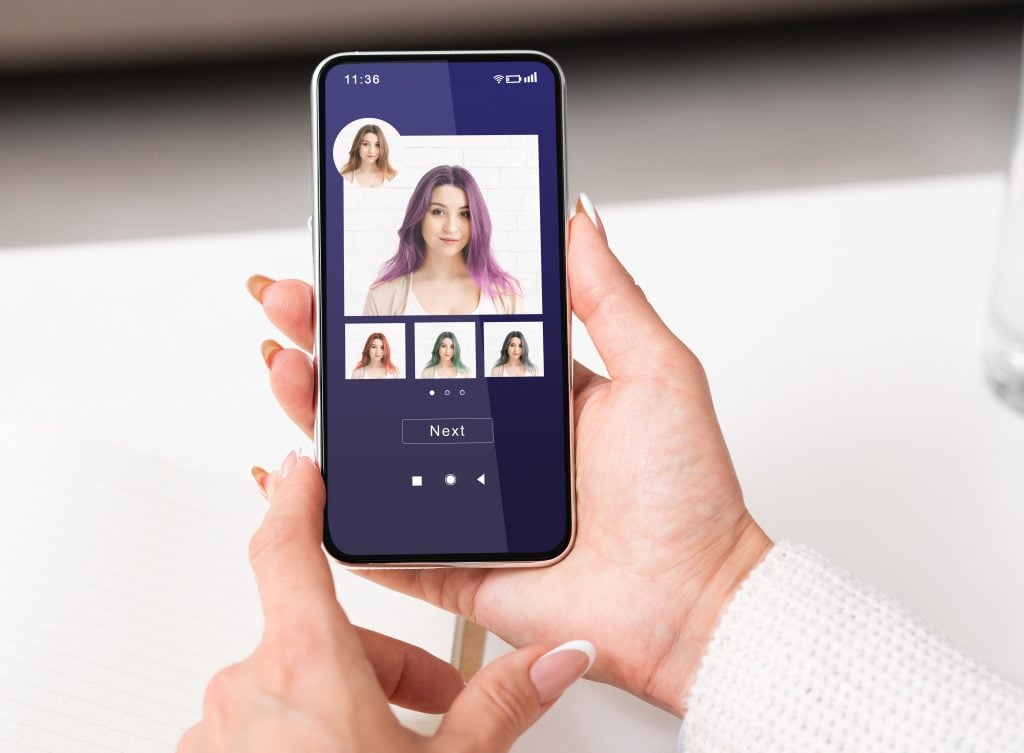
Application to simulate women's haircuts: download now
Download an app now to simulate a women's haircut and change your look without fear. Access more information in the article.
Continue lendo
Premiere Play: check out how to watch football live
Premiere Play is the application with the best coverage of Brazilian football games, check out more details here.
Continue lendo
Discover the São Paulo Junior Football Cup
The São Paulo Junior Football Cup, also known as Copinha, is one of the most prestigious youth tournaments in Brazil. See the details!
Continue lendo


